
Why all your social media should live in one place
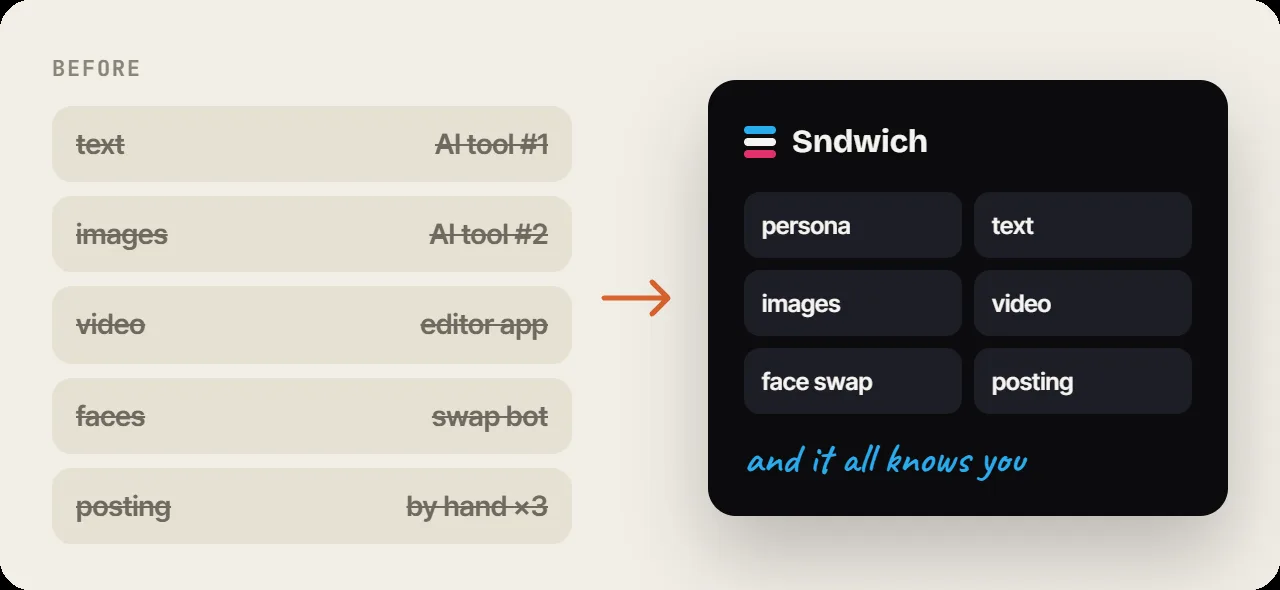
The tools are not the problem. The handoffs are. The writing tool does not know how you sound. The image generator does not know what the post is about. The video sits apart from the plan, and the scheduler sees none of it. Every handoff is a copy-paste, and every copy-paste is a place where your voice drifts.
Below is the chain I run in Sndwich, from a raw thought to a video with my face that goes out to every network on schedule. The long version, with every prompt, is in the AI that posts as you. This one is the practical tour.
1. Start with a persona
A persona is you, as settings: your face, your voice, how you write, your topics, and the things you would never say. You set it up once, and every post, image and video after that is made in its name. It is the step people skip most, and the one that decides whether the output sounds like you or like every other AI account.
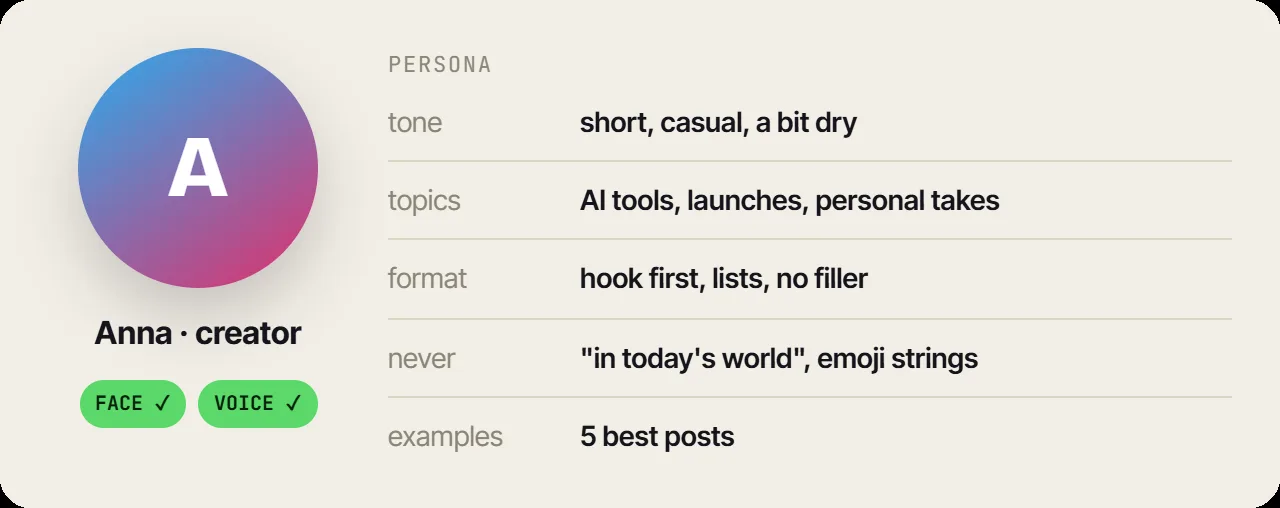
Brief it like an editor, not like a chatbot. Weak: "Write something interesting in my style." Strong:
I write about AI tools for creators.
Audience: freelancers and social media managers, 20 to 35.

Tone: short, casual, a little dry. No hype.
Structure: hook in line one, 3 to 5 points, one takeaway.
Length: up to 600 characters for Telegram, 280 for X.

Never: "in today's world", "let's dive in",
more than two emoji per post.

Here are my 5 best-performing posts: [...]
The last line is the one that works. A model copies five real examples far harder than it obeys any description of your style.
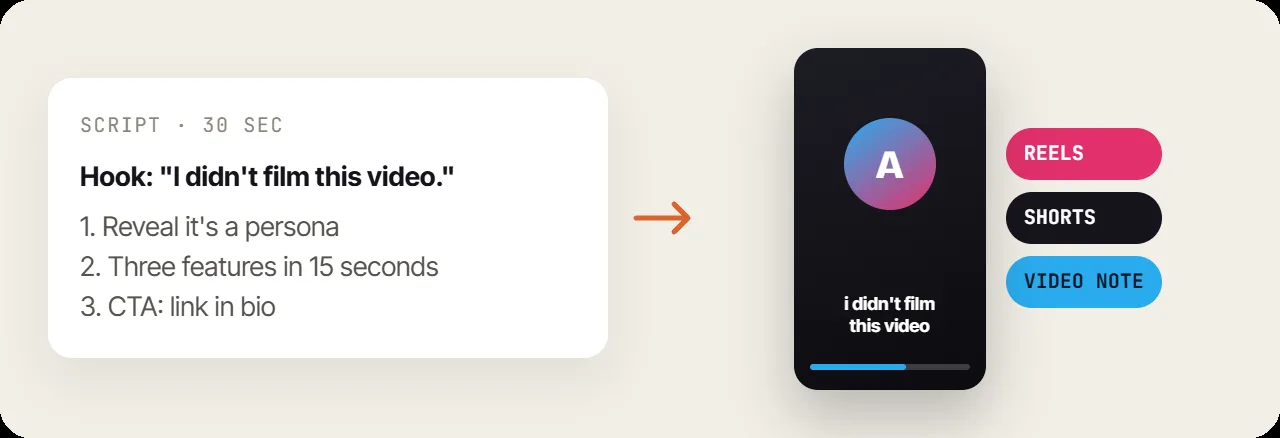
2. Persona videos without filming
Once the persona has a face and a cloned voice, a video starts from text. Write a script or reuse a post, pick a format, and the persona says it on camera. No lighting, no retakes. One post becomes a Reel and a Short. How the face and voice are built, and where it breaks, is in giving a persona a face and a voice.
3. Face swap for clips you already have
Sometimes the video already exists: a trending template, a montage, event footage. Face swap puts the persona's face into it without hunting for a separate bot, and the face stays the same across a whole series because it always comes from the same persona.
4. An image for every post
The image is generated for a specific post, not from a vague "make it look nice". The tool sees the text, so the picture matches the topic.
What it costs us, from the billing ledger rather than a price page: a fast image (FLUX schnell) is $0.003, a quality one (gpt-image-1) is $0.04. A week of images for daily posts is cheaper than one stock photo. One trick that beats any prompt: drop in two or three references you like and ask for that style.
5. From a raw note to a finished post
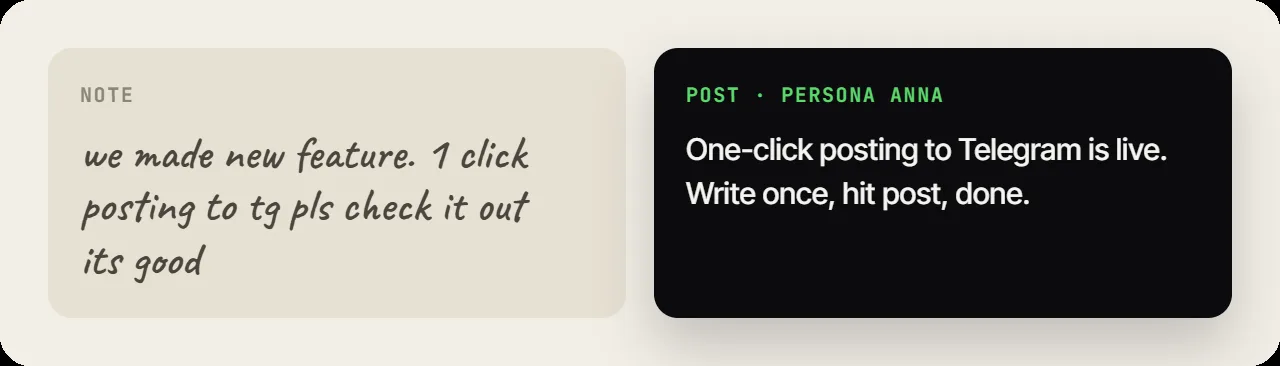
Most posts die in your notes app. The idea comes on the bus, you jot it down, and there it stays. Here you dump thoughts as they come, typos and all, and the persona turns them into a post in your voice. A one-tap polish finishes the draft.
6. How to post to multiple social media at once
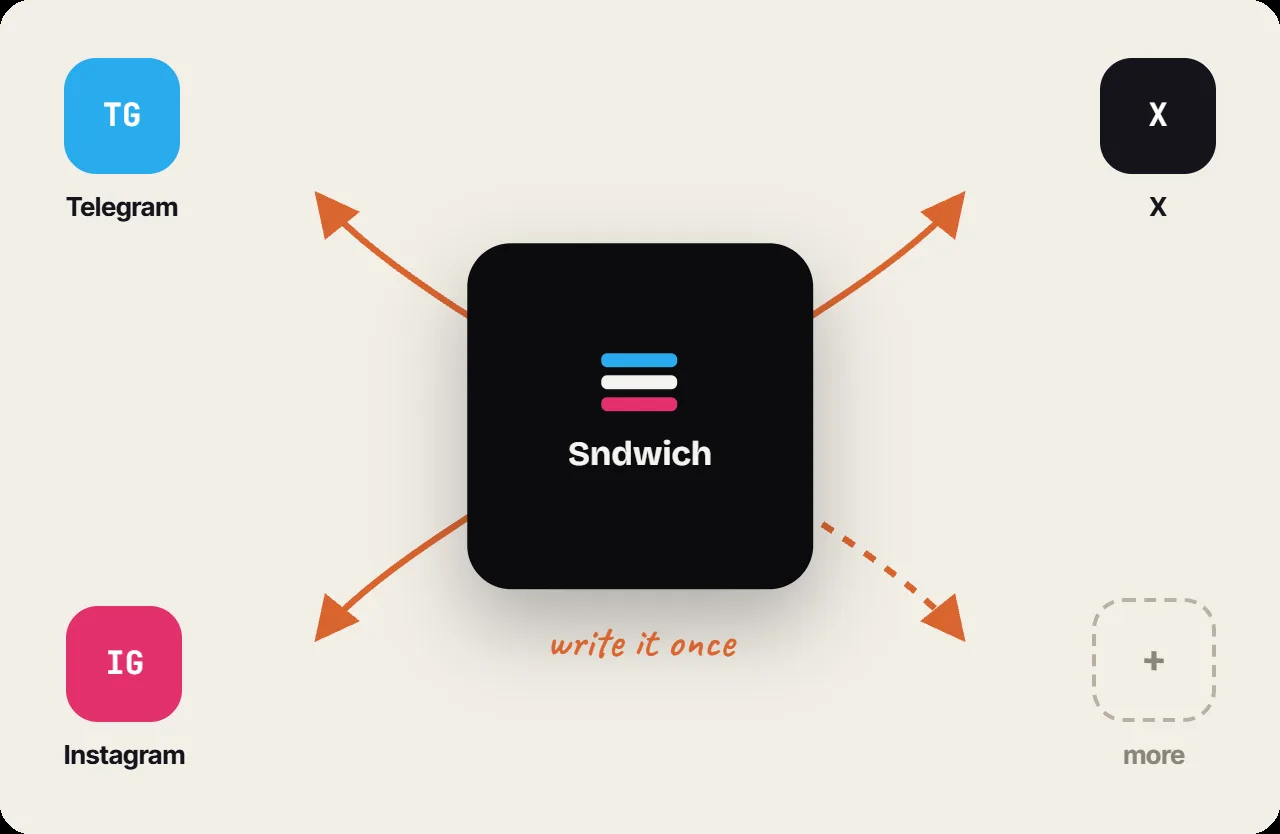
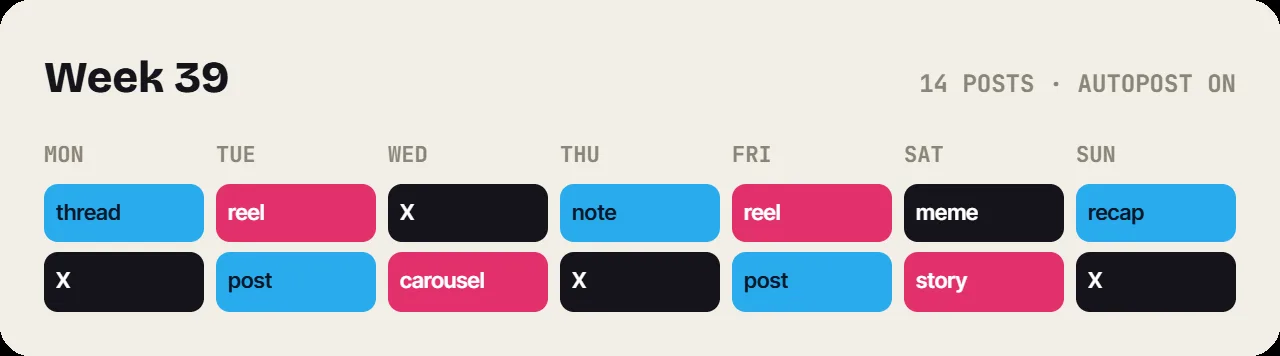
A finished post goes to Telegram, X and Instagram from one window, in the right shape for each. The content plan lays out the week and the scheduler publishes it on time.
Three things I learned doing exactly this, on our own accounts:
The aspect-ratio trap has its own write-up: why Instagram says the aspect ratio is not valid for Reels ads.
The weekly loop that keeps it going
- Persona. Face, voice and tone once, plus your five best posts.
- Notes. Dump thoughts all week without worrying about form.
- Plan. Once a week, turn the notes into a content plan.
- Posts. The persona writes, you edit ten percent instead of a hundred.
- Visuals. An image for every post, a persona video for the best two or three.
- Publish. Everything goes out to Telegram, X and Instagram on schedule.
- Review. At the end of the week, add what worked to the persona's examples.
The last step closes the loop. Every week the persona learns from your best posts and gets closer to your voice.
What not to expect
One place for all your social media removes the busywork: switching apps, resizing, posting by hand. It will not decide what you have to say, and it will not replace knowing your audience. A persona writes only as well as the examples you give it. Persona videos are good for explainers and announcements; behind the scenes is still better filmed for real.
Every network from one tab
Sndwich keeps the persona, the posts, the images and the videos together, and publishes to Telegram, X and Instagram on your schedule. What you see in the card is what goes out.
 11 minThe AI that posts as you: the whole pipeline, with the prompts
 6 minWan 3 vs Seedance 2.5: four models, one clip, one winner
 6 minAI video API pricing: we paid twice for the same model and measured it